The Burrow
A calm household control surface for the house, with a separate technical wing for the homelab.
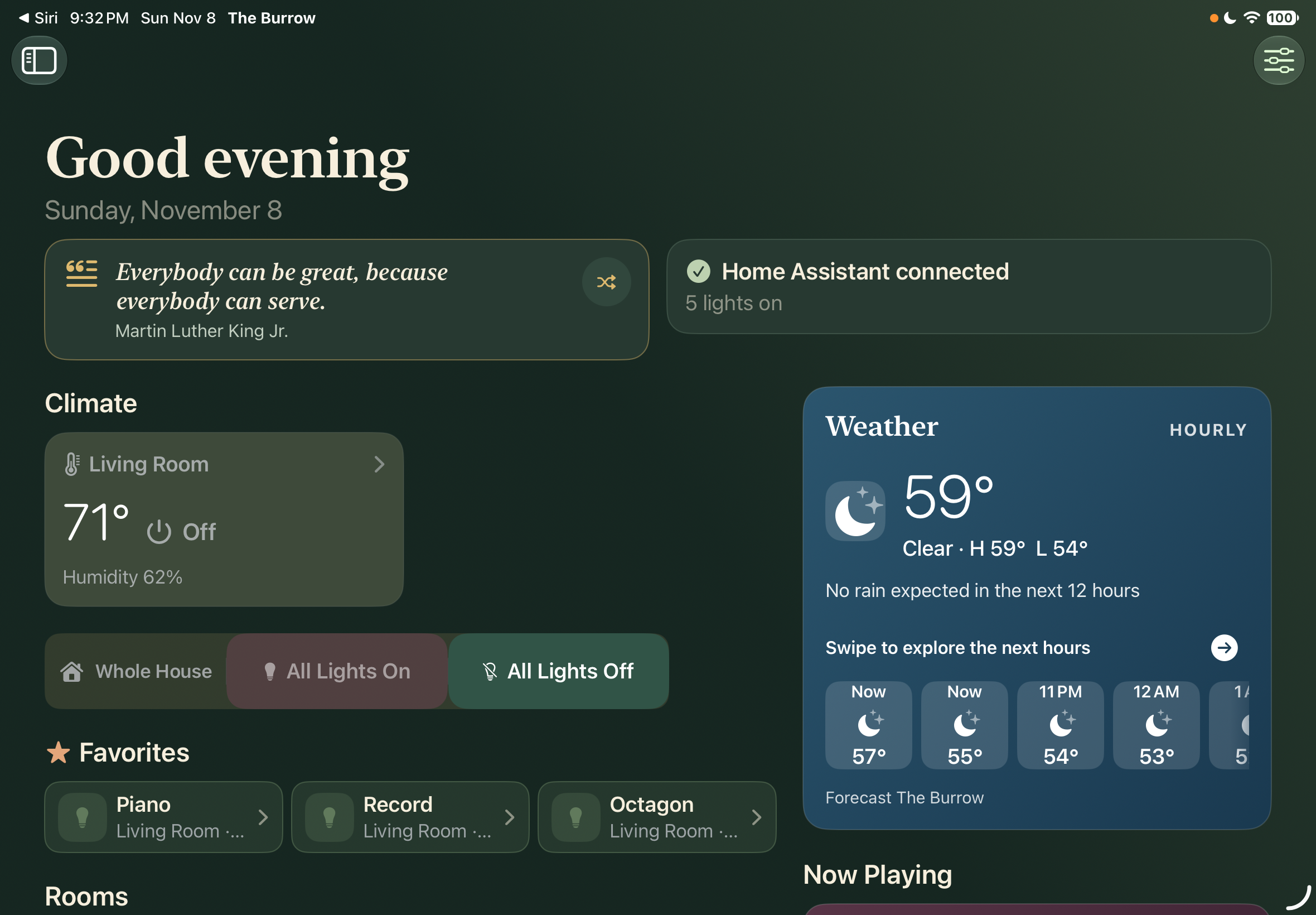
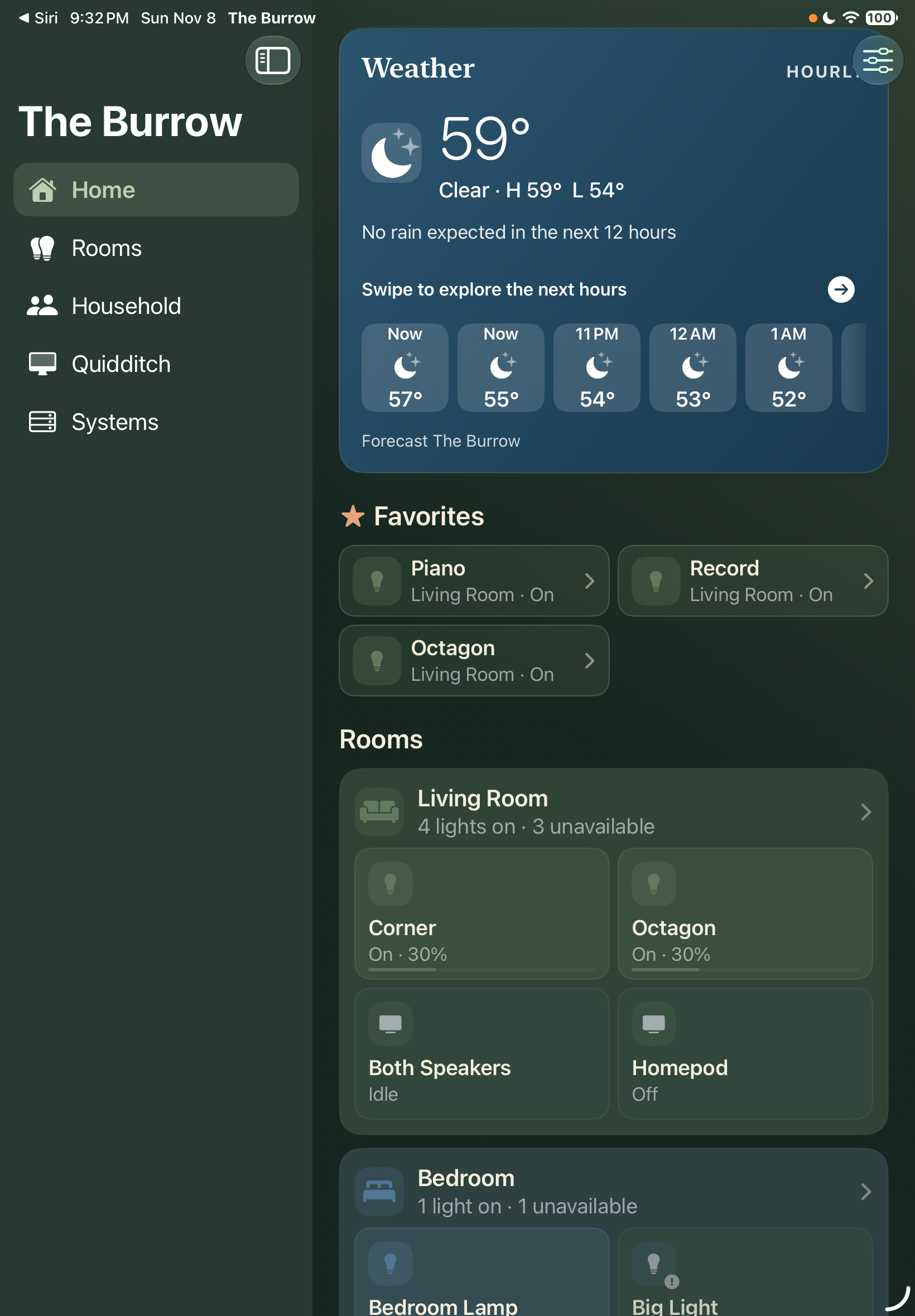
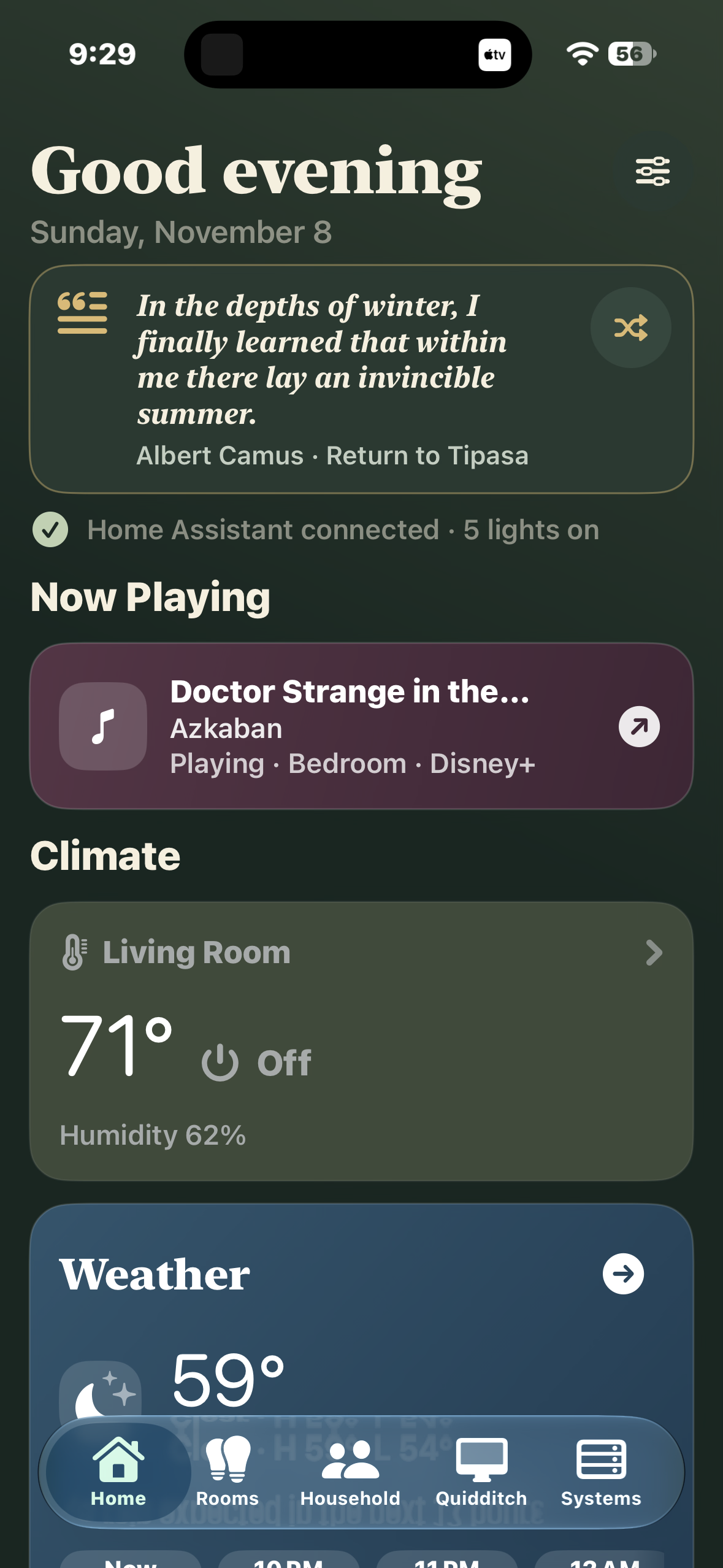
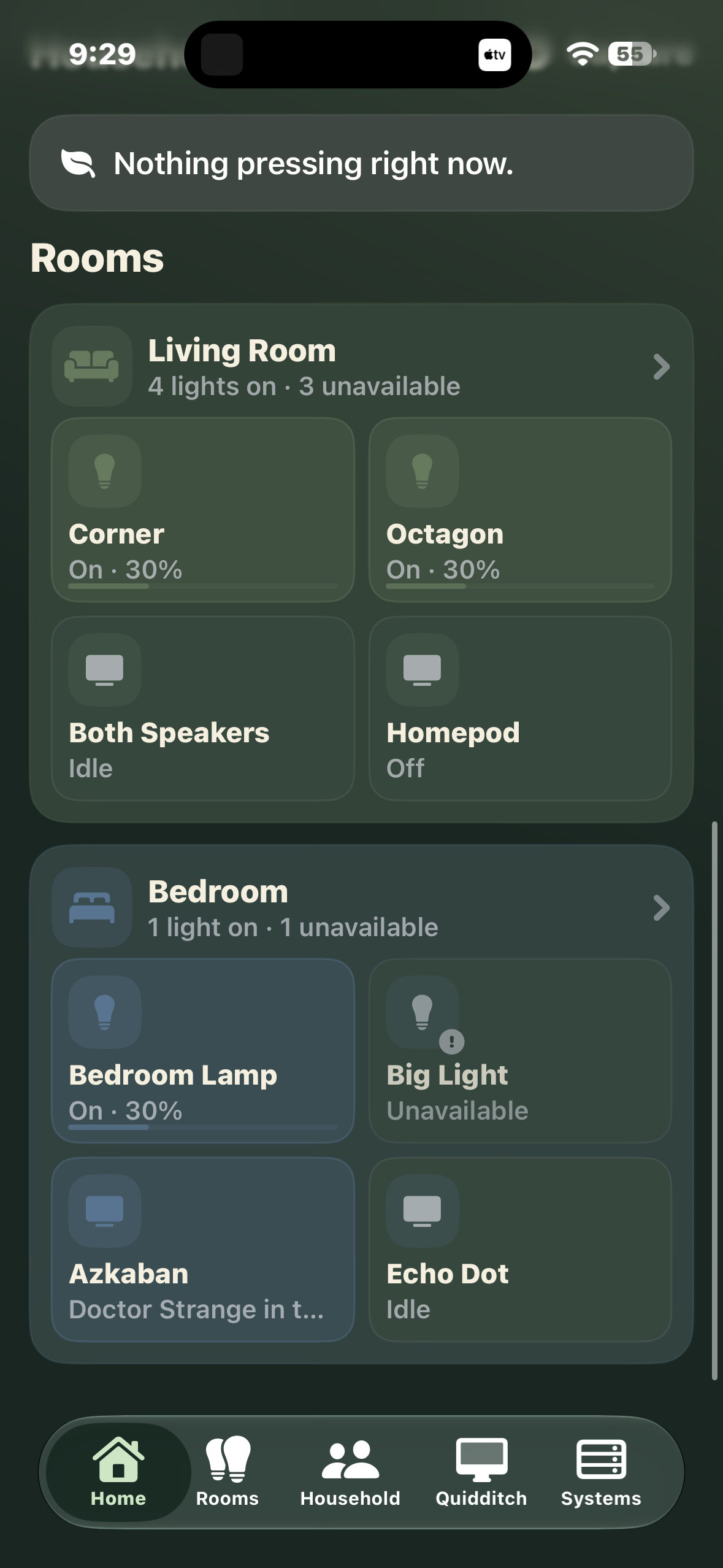
Home
Systems
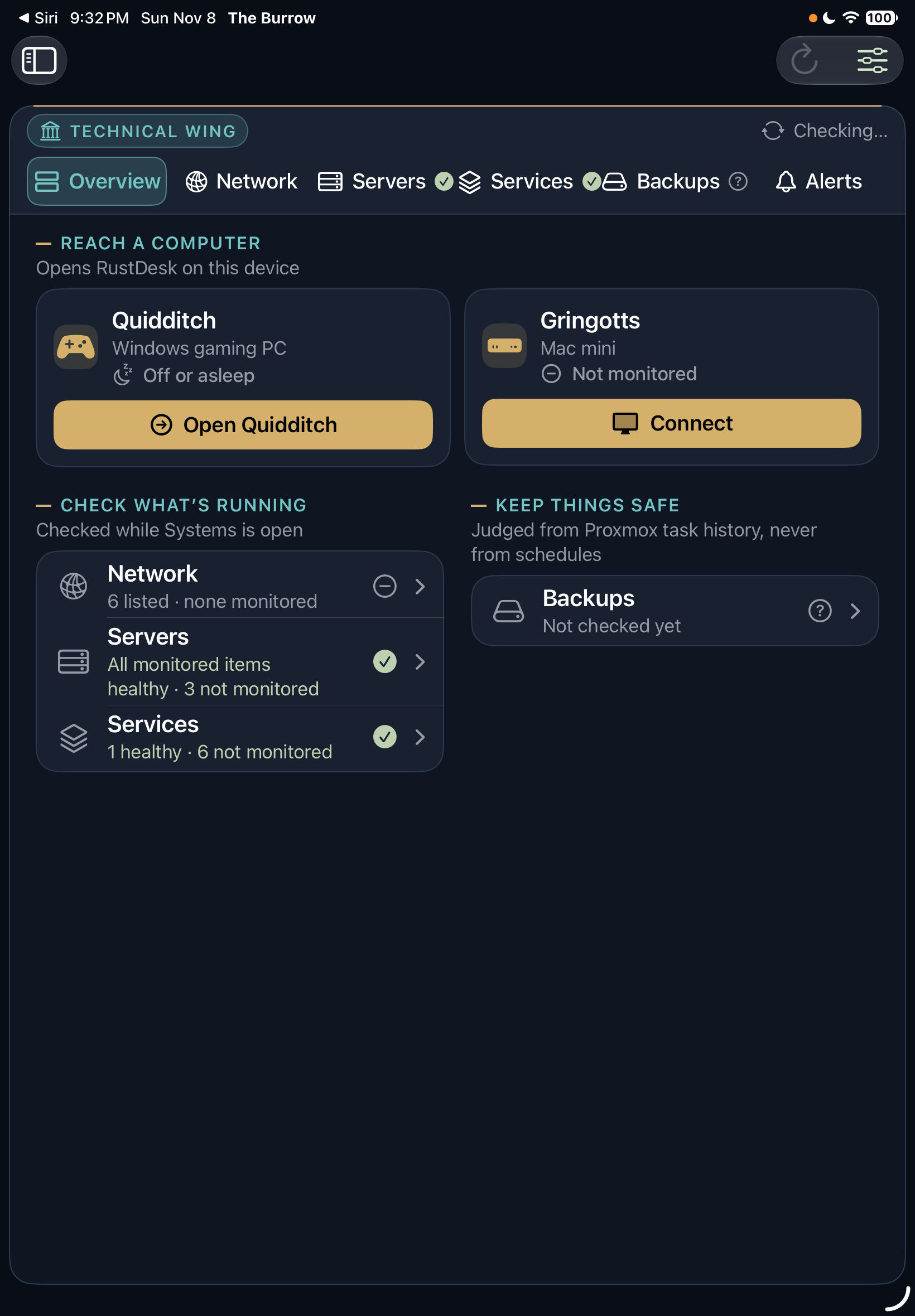
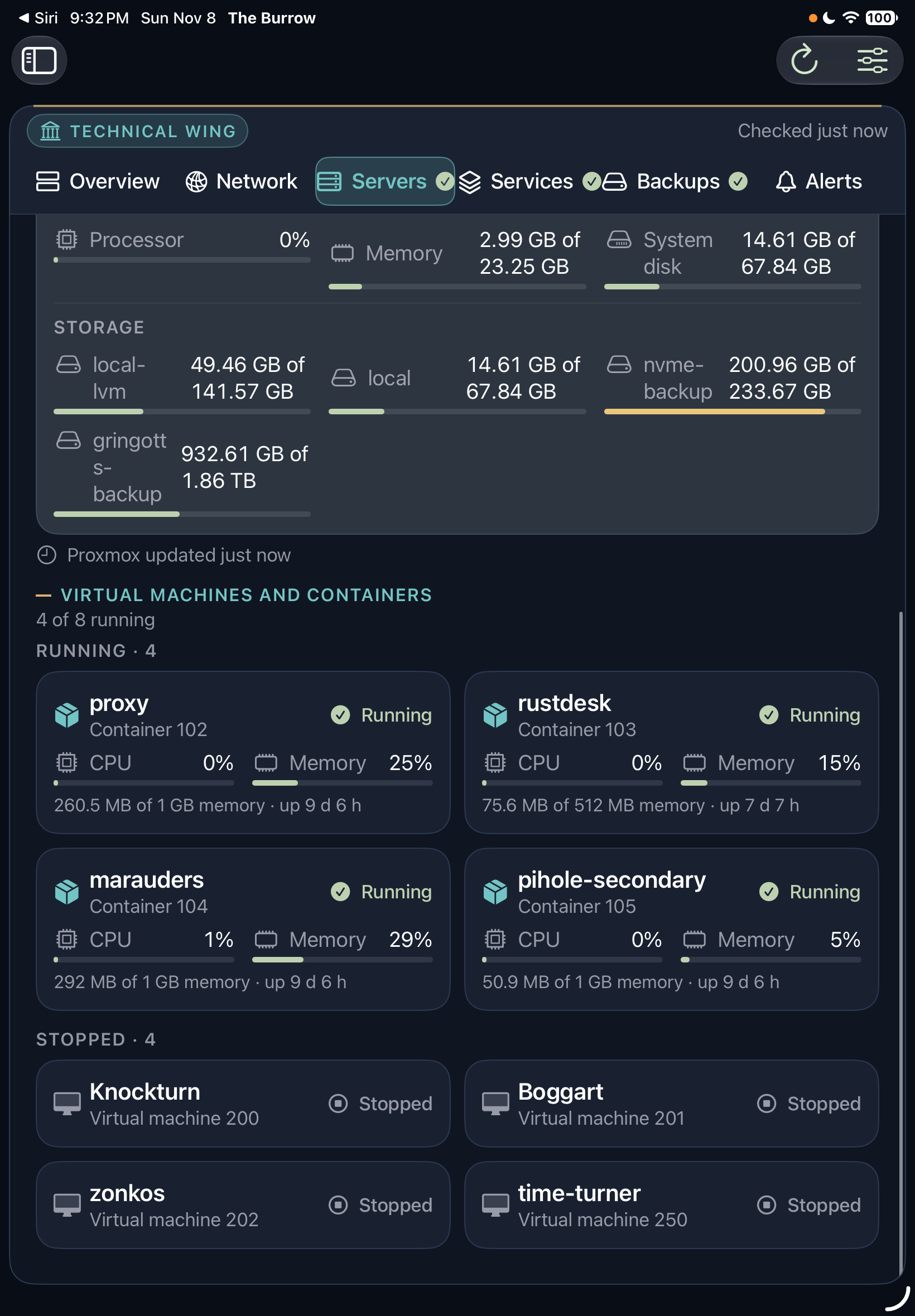
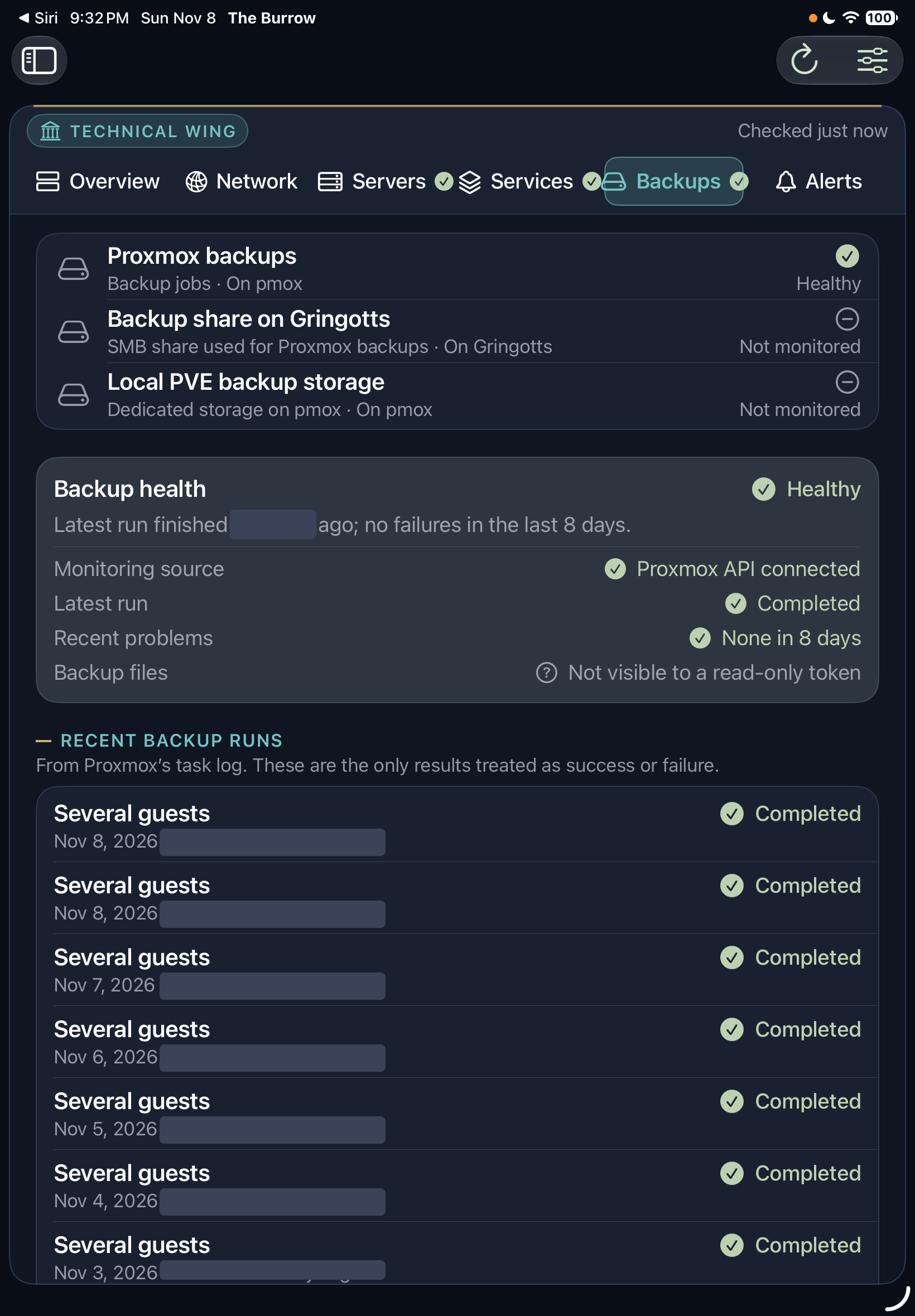
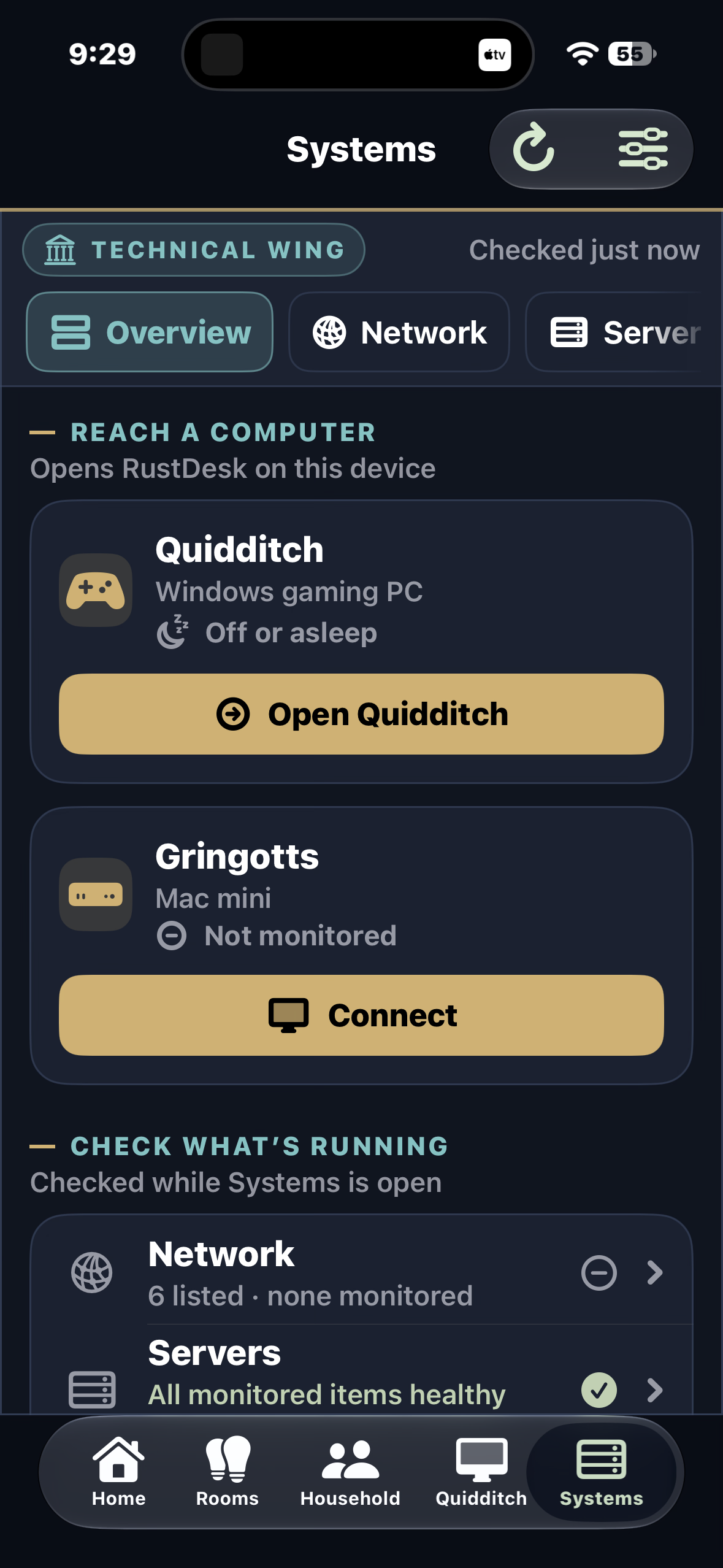
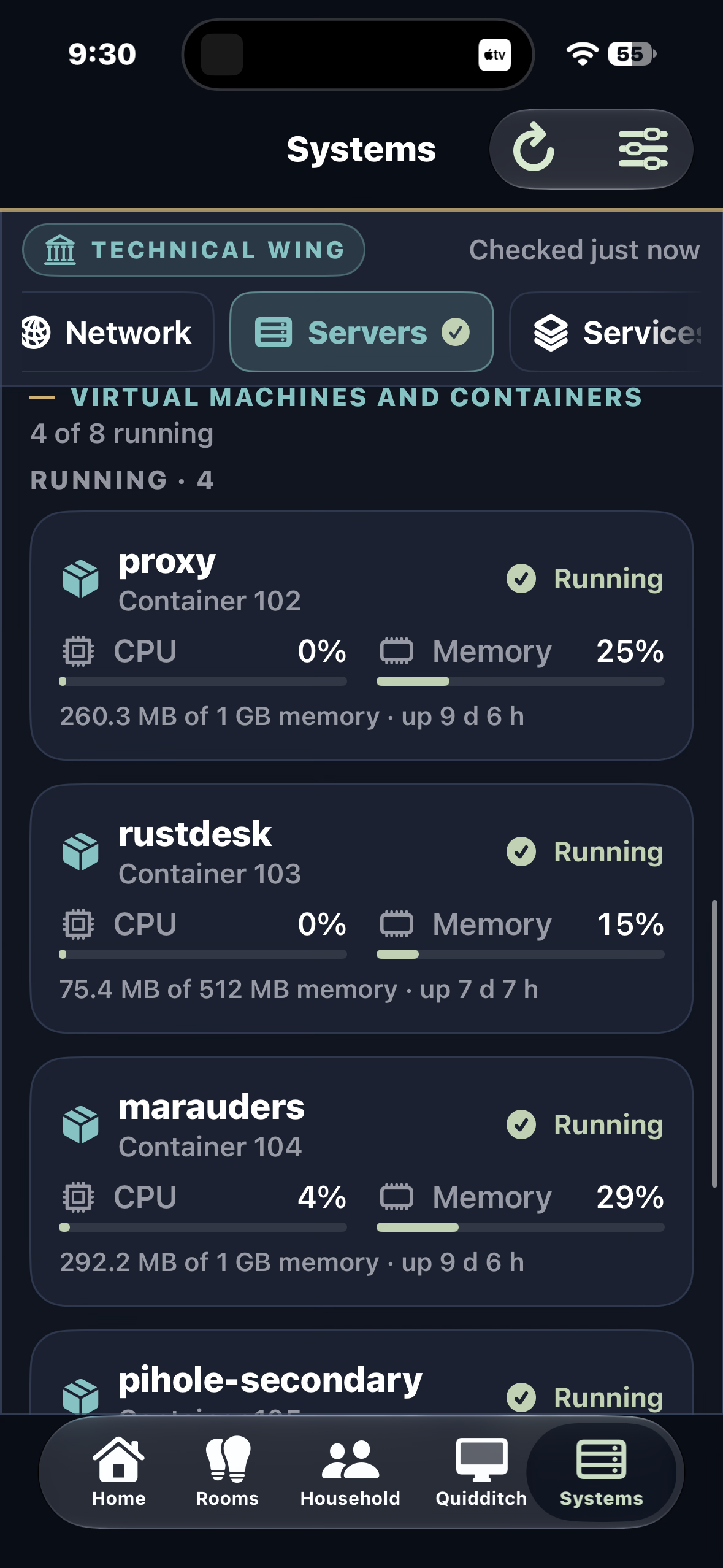
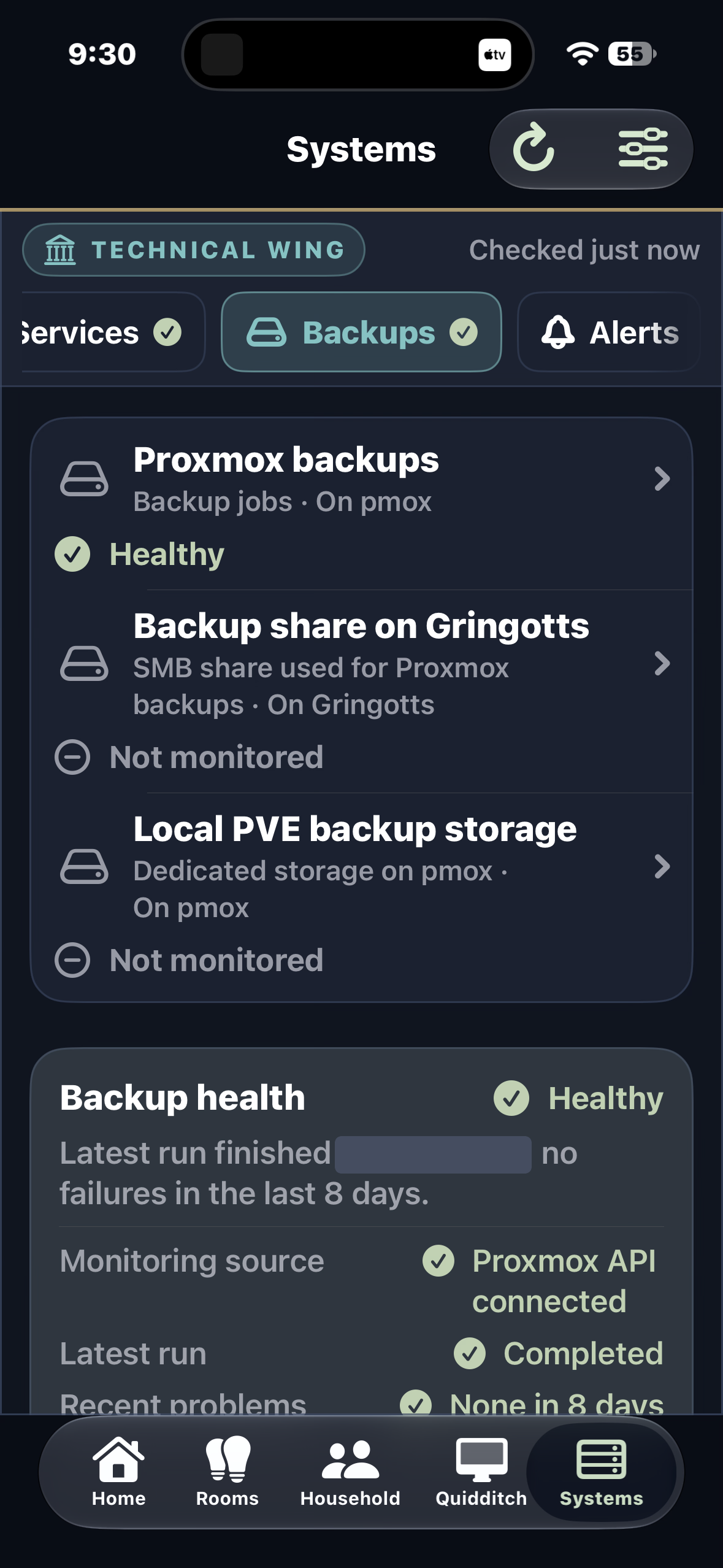
A separate part of the app for the homelab. It only says something is healthy when it has actually checked; everything else is labeled "Not monitored".
How it workslayers, stores, services
- Nothing is invented. With no data, the app shows an empty or connection state. Sample content exists only in previews and tests.
- It goes quiet in the background. The socket closes when the app is not active, so nothing reconnects while it is put away.
- Layouts adapt. Separate iPad, iPhone and Mac presentations share one codebase and keep working at accessibility text sizes.
How it evolved11 milestones, Oct 11 to Nov 7
Four weeks, 48 commits. Drag through it.
From mock-only to live in a day
The first commits set the product baseline and a native SwiftUI foundation that ran entirely on mock data. By the end of the day it read real Home Assistant data, mapped it into household rooms, and could switch real lights, switches and fans.
Continuously live
One persistent Home Assistant WebSocket keeps the app current instead of polling. Home became a whole-house control surface rather than a list of devices.
Customizable Home, Household, Systems
Home layouts became editable (reorder, hide, pin favorites, choose the camera). Household added Now / Plan / Calendar and a quick-capture task list. A separate, read-only Systems area began monitoring the homelab. A release-candidate pass added camera streaming with a snapshot fallback and regression tests.
Nest thermostats, with a proper sign-in flow
Added Nest support with an in-app reconnect flow and a dedicated HTTPS callback page, so signing in again does not mean pasting tokens by hand.
iPhone and responsive layouts
Navigation and compact layouts for iPhone, and a pass over responsive behavior across devices.
Atmospheric Home v2
A redesigned Home dashboard with a more atmospheric look.
Quidditch, the gaming PC
Native controls for the household gaming PC: wake it, put it to rest, and glance at how it is doing. Proxmox monitoring moved to its trusted HTTPS hostname.
The Technical Wing
Systems was redesigned with its own navigation and denser technical screens. Read-only Proxmox monitoring went live, backup health is reported from run history rather than guessed, and RustDesk remote access was added.
A native Mac app
A macOS target sharing the same codebase, with its own window, menus, Settings and a menu-bar companion. The final icon was installed on iPhone, iPad and Mac, layouts were made resilient at accessibility text sizes, and iPad layouts became adaptive.
Read-only diagnostics
A Settings diagnostic that checks the saved Proxmox setup without changing anything.
Hardening Nest sign-in
A pending Nest authorization now survives an app relaunch, unusual client IDs are flagged, and a read-only check confirms a client secret is saved.
Dates are commit dates from the project's git history.
The Burrow reads the house from Home Assistant, which runs on a Raspberry Pi in the homelab, and the technical wing reads Proxmox through a read-only connection.
What is not done
| Distribution | Per the project docs, it is development-signed for personal use. It is not on the App Store or TestFlight. Owner to confirm |
| No notifications | There is no background alerting. Systems checks only run while that screen is open. |
| One camera on Home | Streaming works for cameras that support HLS. WebRTC-only cameras fall back to refreshed stills. |
| Needs Home Assistant | With no connection it shows an honest connection state, not cached rooms. |
| Docs lag the code | The repo’s README still says iPad-only; the app now runs on iPhone and Mac too. |